How long does an app check take?
Five business days at Blinkz, counted from the day you share the code and the live app
An app check is an engineer reading the app your AI tools wrote, ranking what will break and writing the fix for each problem. Here is every area it covers, how the five days run and what you keep at the end
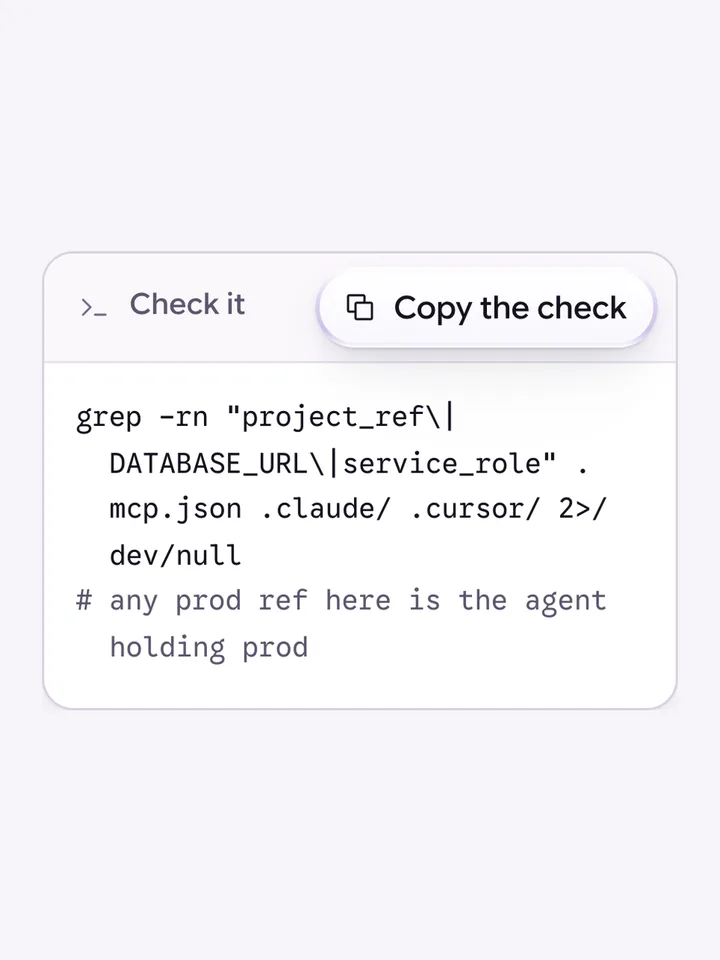
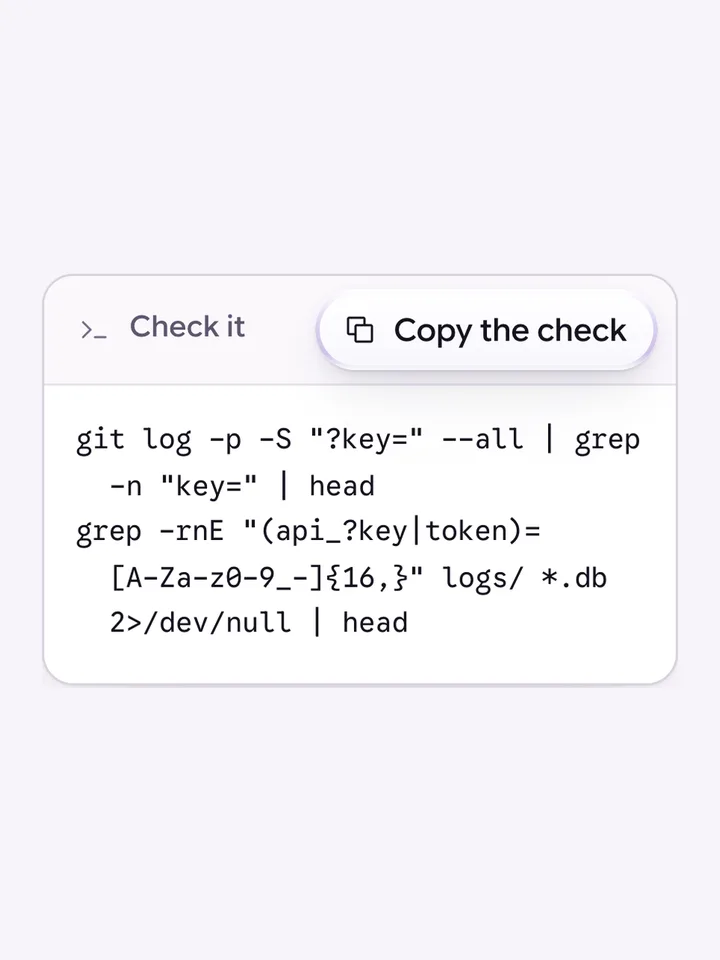
Each one shows what the AI wrote, what it should have written, and how to check your own app
An app check is a fixed-scope review of an app built with AI tools. An engineer reads the code and the live app, checks the seven places these apps usually fail (rate limits, who can read what, duplicate charges, secrets and keys, sign-in, backups and logging), ranks what will break worst first and writes the fix for each problem. At Blinkz it takes five business days and ends with a signed report you keep.
Five business days at Blinkz, counted from the day you share the code and the live app
No. You keep the report whether or not we do the fixes, and each fix is written so any developer can act on it
No one can honestly certify an app as hack proof, and it is worth being careful of anyone who offers to. You will know exactly what was checked, what was found and how to fix it
Access to the code and the live app. You do not need to know anything technical, because everything in the report is written in plain English
No. A scan is a useful first pass, but it cannot see how your app is deployed or how people actually use it, so it hands you a long list that a person still has to rank. An app check is that person
An app check is an engineer reading an app that was built with AI tools, no-code or a fast freelancer, and telling you what will break before your users find it. It has a fixed scope: the same seven areas every time, the same five days, and the same report at the end.
It exists because AI can write an app that works in a demo and still fails the first week real people use it. The code usually runs. The problems sit in the places nobody asked the AI to think about.
These are the seven areas, in plain English. The first three each have a free episode in our AI Code Fixes series if you want to see what the problem looks like.
You keep the report whether or not we do the fixes.
It is for apps that are live or about to be, where users, revenue, investors or a launch date depend on it, and where nobody technical answers for the code today. It is not for hobby projects. Those are what the free fixes are for.
It does not certify the app as hack proof, because nobody can honestly do that. It does not rebuild the app, and it does not change your code on its own. If the report shows the app needs real work, that is a separate job with its own scope, which we call build or rescue. If you want someone to keep watching the app after the fixes go in, that is on call.
If your app is live and you are not sure you would bet the business on it, start with an app check.
Each one shows what the AI wrote, what it should have written, and how to check your own app
You’ll leave the call knowing what’s risky and what to do next