Verify the output, not the report. Especially before a delete
rsync -rcni SRC/DEST/ | grep -v "^\. d" | head # anything printed is a differencemd5 -q SRC/file DEST/file
Get every Fix AI Slop Code episode
The code it wrote, the code it should have written and a check, for every episode
What is going on
Exit codes, summaries, and "9 files matched" are reports. The file on the drive with the right checksum is the output. Tools that summarize will summarize wrong in exactly the cases that matter, and the cases that matter are the destructive ones.
Where it bit
A background shell wrote to the archive drive, exited 0, and had written nothing, because background bash cannot write to mounted volumes on that machine. An earlier pass claimed nine exports matched by checksum; a later pass found two were not on the drive at all, and all fourteen were re-hashed before anything was deleted.
The practice
Archive, verify in directory mode with itemized output, checksum the files themselves, then delete. Never in the reverse order and never on a summary. Measure with the tool that reads the object (md5, ffprobe, a real request), not the tool that reads the log.
Get this check as a script you can run tonight
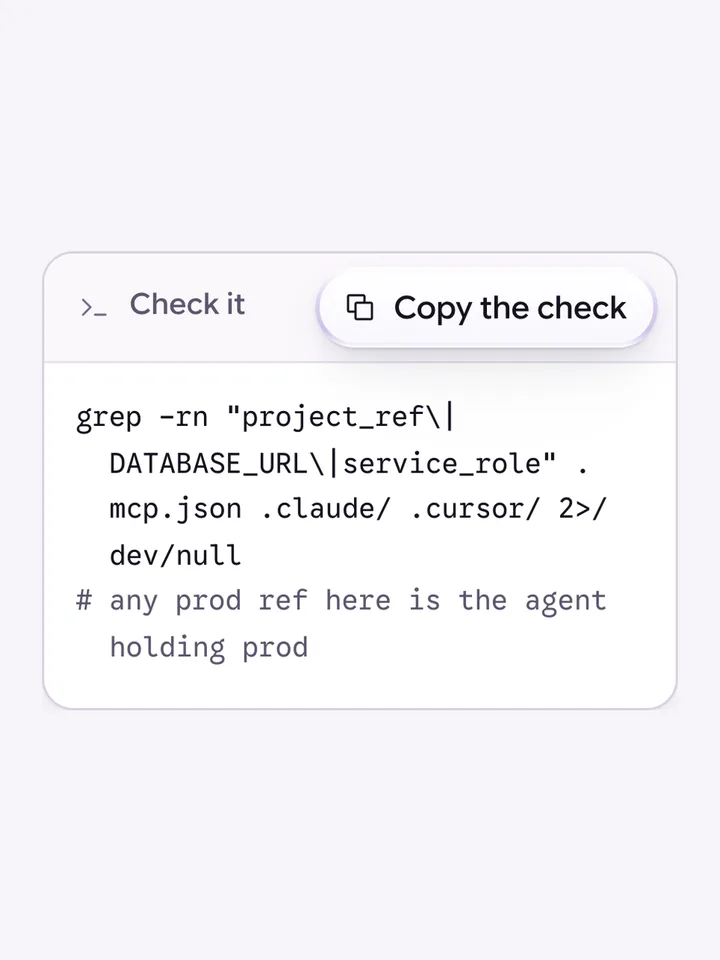
The coding agent never holds production credentials
An agent with a production database URL will sooner or later run a migration or a cleanup against it, so production secrets never enter its env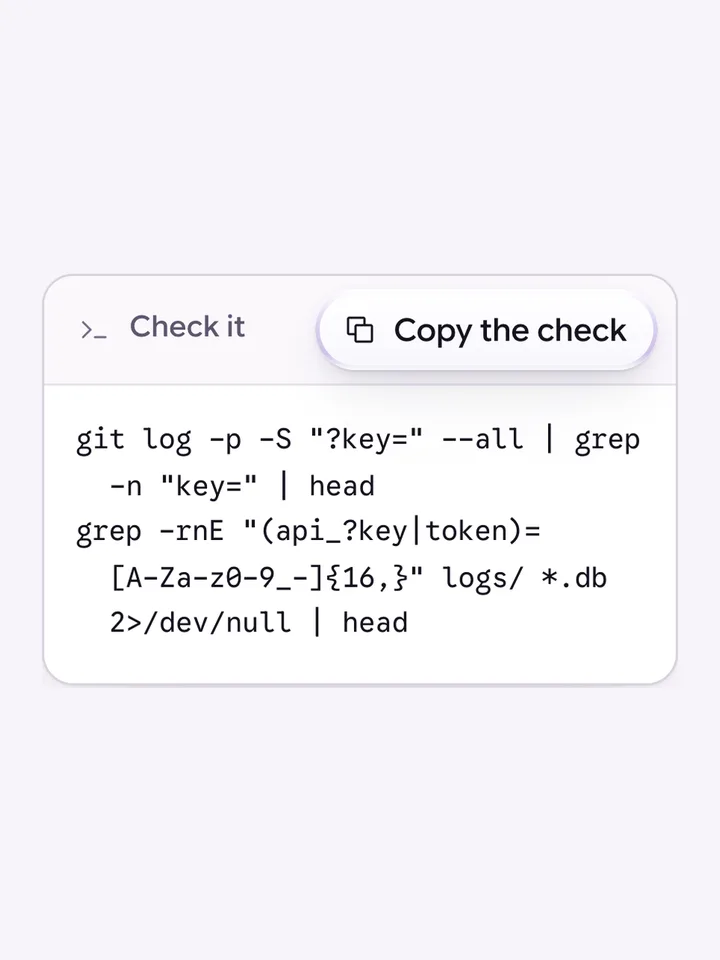
Keys go in headers, never in URLs
A URL is written to server logs, CDN logs, browser history and error trackers, so an API key in a query string is a key in five places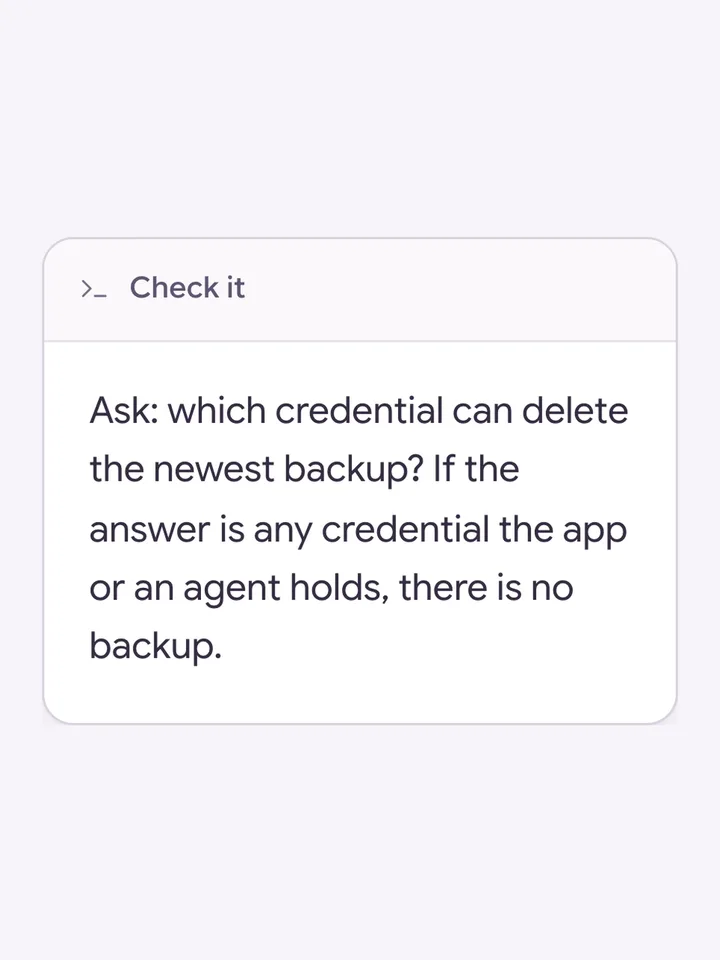
Backups the app cannot reach, and one restore you have actually done
A backup on the same account the app or an agent can delete from is not a backup, and a restore you have never run is a number you do not have
If this check came back with more than you expected, that is worth a conversation